Why Aren’t My Solar Panels Producing Enough Power?
You step outside, glance at your roof, and think: my solar panels should be soaking up this sunshine. But your latest electric bill tells a different story. If you've been wondering "why are my solar panels not producing enough power," you're not alone, and more importantly, you're probably looking at a fixable problem, not a failed system.
Most home solar arrays lose 10% to 25% of their expected output from something simple like a single shaded panel, a dirty module, or a tripped breaker. As of 2026, the industry standard for panel degradation sits around 0.5% per year, so a 5-year-old system should still be producing 97%+ of its original nameplate rating. If you're seeing much less than that, something else is going on.
Let's walk through the most common culprits step by step.
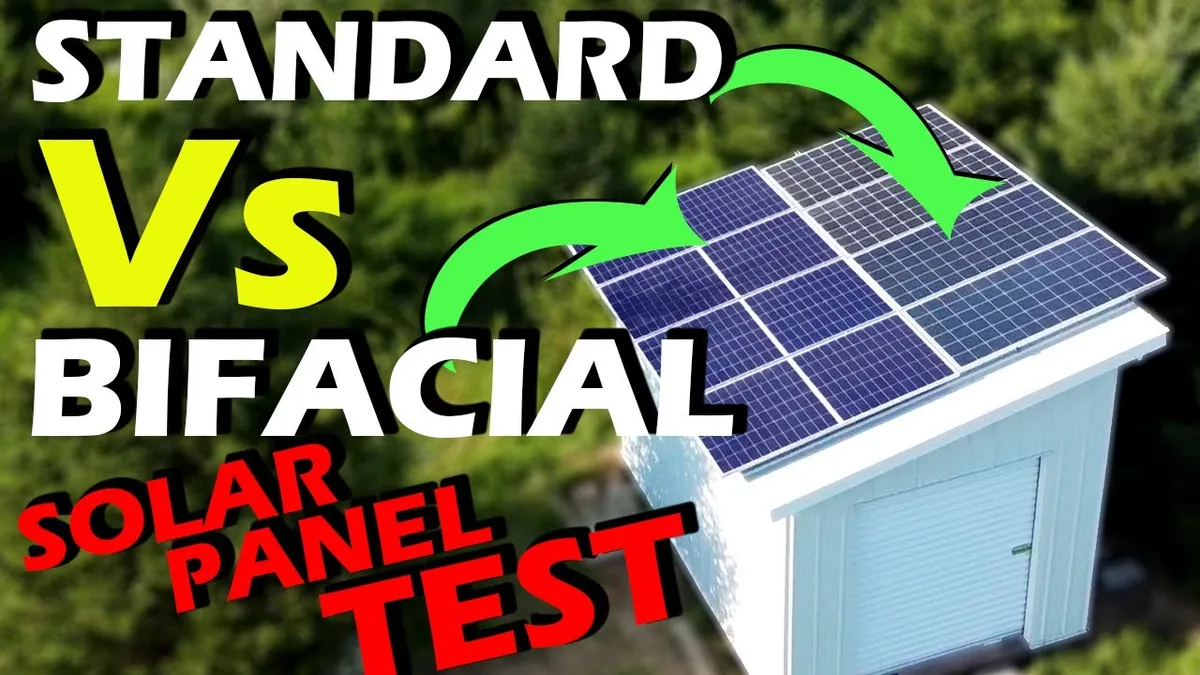
Image source: YouTube / Projects With Everyday Dave (YouTube thumbnail (fair-use with source credit))
Quick Answer
Your solar panels likely are not producing enough power because of one or more of these five issues. Shading from trees or new construction. A dirty or snow-covered array.
An inverter fault or tripped breaker. A net meter that stopped tracking correctly. Or a seasonal production dip that looks worse than it really is.
Check your inverter display first, it tells you the most in 30 seconds.
Branch 1: Is Your Inverter On and Showing Green?
Start here. Your inverter is the brain of the whole system. If it's off, flashing a red light, or showing an error code, nothing downstream will work right.
What a Healthy Inverter Looks Like
A working inverter (whether a string inverter, microinverters, or power optimizers) should show a solid green or blue light during daylight hours. Many models also display a small screen with current wattage, voltage, and daily energy totals. For example, a typical 6 kW system on a sunny afternoon might display 4,800 to 5,500 watts, that's normal.
Common Inverter Fault Codes
If your light is red, yellow, or flashing, check the display for a fault code. Here's what the most common ones mean based on manufacturer documentation and installer feedback:
| Fault Code / Light | Likely Cause | What to Do |
|---|---|---|
| Red solid | Ground fault or arc fault | Contact installer immediately. Do not reset repeatedly. |
| Red flashing | Grid voltage out of range | Usually temporary — wait 5 minutes. If persists, call utility. |
| Yellow solid | Communication / monitoring lost | Check Wi-Fi or cable connection to router. |
| No light at all | Dead inverter or tripped breaker | Check AC breaker in main panel. Try resetting once. |
| Error code E-xxx | Internal component failure | Note the exact code, search manufacturer support. |
Step-by-Step Inverter Check
- Locate your inverter. Usually inside the garage, on an exterior wall near the meter, or in the basement. If you have microinverters, each is under a panel, you'll check them through the monitoring app instead.
- Look at the status light. Green? Great. Red or off? Proceed.
- Check the AC breaker in your main electrical panel labeled "Solar" or "PV." If it's tripped, flip it fully off, wait 30 seconds, then flip back on.
- If the inverter stays off after resetting the breaker, it may need a professional diagnostic. Some inverters have a built-in fuse that can blow, that's a job for an electrician.
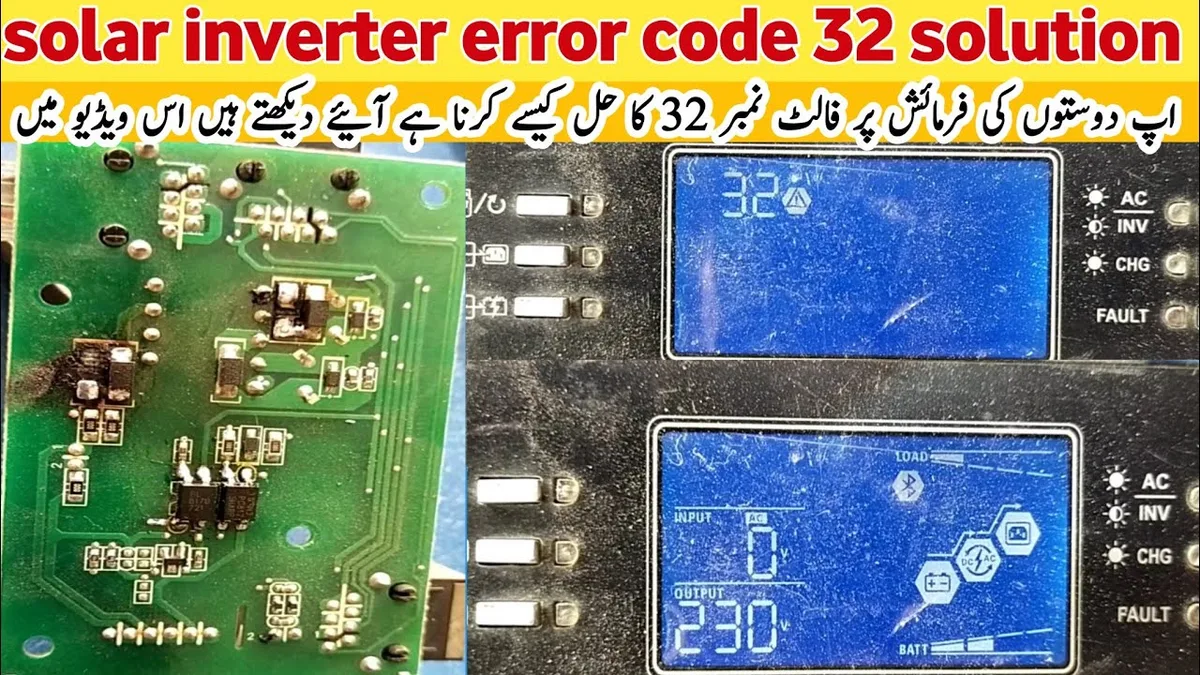
Image source: YouTube / Akram Universal Electronics (YouTube thumbnail (fair-use with source credit))
One quick tip before you panic: after a grid outage, your inverter will stay off for 5 minutes as a safety feature (anti-islanding). That's normal. If the sun is out and your inverter is still off after an hour, you've found your smoking gun.
If your inverter checks out fine, move to Branch 2.
Branch 2: Is the Net Meter Spinning Forward or Backward?
Your net meter (the bi-directional meter the utility installed) is the second-best diagnostic tool after the inverter. It tells you whether your home is pulling power from the grid or sending power back.
How to Read a Net Meter
Most net meters have a digital display that cycles through several screens. Look for one labeled "Delivered" and "Received", or sometimes "Import" and "Export." During the day, especially around noon, the "Received" number should be climbing (you're exporting). At night, only "Delivered" should change.
If your net meter shows zero export during peak sun hours, something is blocking or absorbing all your solar power before it reaches the meter. That could mean:
Your home is using everything you generate (no mystery, just high consumption).
Your inverter is producing less than your home's baseline load.
The meter itself is faulty or stuck.
A Simple Test
Turn off all major household loads, HVAC, pool pump, electric water heater, oven. Then look at the meter. If it starts exporting, your system is fine.
The problem is your usage, not your panels. If it still shows zero export, your system likely has a production issue.
Sometimes the utility's meter simply stops logging correctly. This is rare but real. If you've confirmed your inverter is producing (Branch 1) and the meter shows no export, call your utility and ask for a meter verification test.
Most will do it for free within a week.
Branch 3: Is Your Monitoring App Telling the Truth?
Almost every modern solar system comes with a monitoring app, Enphase Enlighten, SolarEdge monitoring, Tesla app, or a third-party system like Sense. These apps are incredibly helpful, but they are not infallible.
When the App Lies
Common monitoring glitches include:
The app shows "offline" or "no data" even though the inverter is producing.
The app shows flatline production (same number every hour), that's a sensor stuck.
The app shows production but it's far below what you'd expect for clear weather.
If your app looks wrong, cross-check with the inverter display and net meter. If the inverter shows 5,000 watts and the net meter shows export increasing, the app is misleading you. Reboot the app, refresh the connection, and if it persists, contact the monitoring provider, not the installer, for a firmware update.
What Good Data Looks Like
A healthy system in clear summer sun should produce roughly 4 to 5 kWh per kilowatt of installed capacity per day. So a 6 kW system should generate 24 to 30 kWh daily. In winter, expect 40% to 60% less depending on your latitude and roof orientation.
If your app shows 10 kWh on a June afternoon, you've got a real problem, go back to Branch 1.
One more thing: don't compare your production to a neighbor's system unless you have identical panels, inverter type, tilt, and azimuth. Every roof is different. Instead, compare to your own historical data from the same month last year.
That's your best baseline.
Branch 4: Could Shading or Dirt Be the Hidden Culprit?
This is the most common overlooked cause of low solar production. Even partial shading, a tree branch covering just one corner of one panel, can drop a whole string of panels by 30% to 50% on a string inverter system.
How Shading Affects Different Inverter Types
| Inverter Type | Shade Sensitivity | What Happens |
|---|---|---|
| String inverter (central) | High | One shaded panel drags down the whole string to the current of the shaded cell. |
| Microinverters | Low | Each panel operates independently. Shaded panel drops only its own output. |
| Power optimizers | Medium | Optimizers "pull" power from unshaded panels, but shaded panel still loses most of its output. |
If you have a string inverter, even a small shadow from a chimney, vent pipe, or satellite dish can cause big losses. Walk your roof (or use binoculars) at 10 AM and 2 PM. Note where shadows fall.
If you see a new tree branch that wasn't there last year, or a neighbor's new addition, that's your culprit.
Soiling: The Dirty Truth
Dust, pollen, bird droppings, and leaves build up over weeks. In dry climates or after a long stretch without rain, soiling losses can reach 15% or more. A 2023 study from the National Renewable Energy Laboratory (NREL) found that panel cleaning restored 5% to 12% of lost production in arid regions.
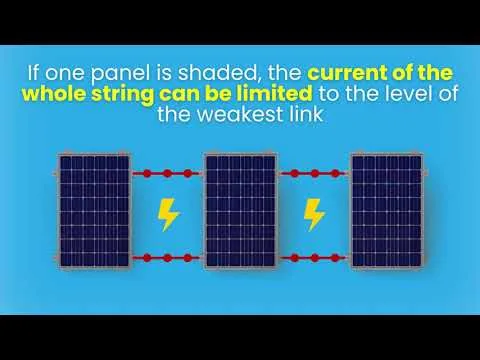
Image source: YouTube / Eco Home Scotland (YouTube thumbnail (fair-use with source credit))
How to Clean Solar Panels Safely
- Use a soft brush, a hose, and deionized water. Avoid harsh chemicals or abrasive pads.
- Clean early in the morning or late in the evening when panels are cool.
- Never walk on the panels. Use a ladder and a long-handled brush, or hire a professional.
- Frequency: once a year in most climates, or after a major dust storm.
If you have a ground-mount array, cleaning is easy. For a steep rooftop, consider hiring a solar cleaning service with insurance. Manufacturer warranties often void if panels are scratched or chemically damaged.
One pro tip: check for "snail trails", light brown discoloration along the edges of solar cells. Those are micro-cracks caused by thermal stress or hail. They don't always kill output immediately, but over time they accelerate degradation.
If you see them on more than a few cells, it's worth a warranty claim if your panels are still under the 25-year performance warranty.
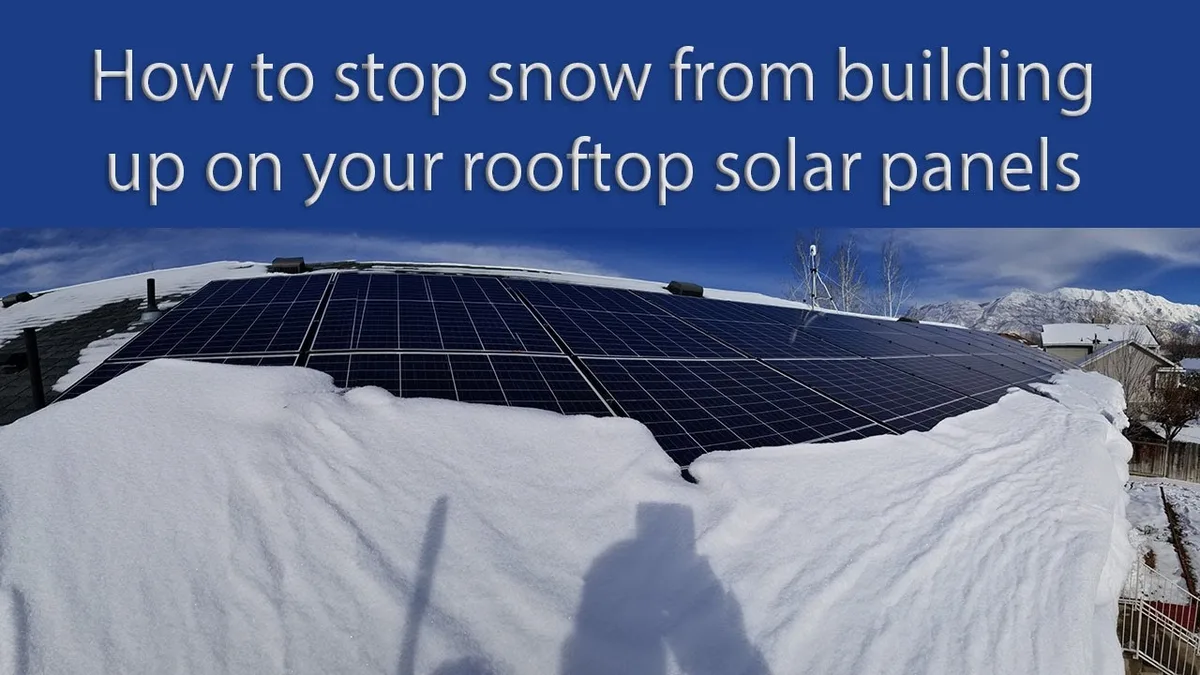
Image source: YouTube / Electric Tech Adventures (YouTube thumbnail (fair-use with source credit))