what are the black cameras with solar panels
Okay, let’s get into this.
If you’ve typed “what are the black cameras with solar panels” into a search bar, you’re probably looking for a way to keep an eye on your property without running extension cords or swapping batteries every month. You’ve seen those dark-colored outdoor cameras with a small solar panel on top or beside them, and you want to know what they are, how they work, and which one actually delivers on the promise of zero-maintenance power.
As of 2026, the market has settled into a handful of reliable models, but not all black solar cameras are created equal. Some charge fast in direct sun, others barely trickle in shady spots. Some include the panel in the box, others sell it separately.
And the black finish isn’t just cosmetic; it affects heat absorption and longevity. Let’s sort through the options so you know exactly what you’re getting.
Quick Answer
Black cameras with solar panels are outdoor security cameras that use sunlight to recharge their internal batteries. They are typically Wi-Fi enabled and require no wiring. The black color helps them blend into dark eaves and reduces glare.
Most models use a detachable solar panel that connects via a short cable. A few have the solar panel built directly into the camera body.
Why Black Solar Cameras? The Real Reason People Search for Them
The first thing people notice is the color. Most outdoor cameras come in white or gray, but black has a specific advantage: it hides better against dark trim, soffits, and shaded walls. If your house has dark gutters or a black driveway light, a white camera sticks out like a sore thumb.
Black cameras also cut down on lens glare. Sunlight bouncing off a white plastic housing can create a bright spot that washes out the image. Dark matte finishes absorb rather than reflect light.
But there’s a trade-off. Black surfaces get hotter in direct sun. On a 95°F summer day, a black plastic housing can reach 140°F or more inside.
That heat can shorten lithium-ion battery life over time. Fortunately, most solar cameras use a small panel that shades the camera body. The panel itself is usually a cooler material, and the battery sits behind it.
Still, if you live in a scorching climate, you might want to mount the camera where it gets morning sun but afternoon shade.
What Exactly Are Black Cameras With Solar Panels? (A Quick Breakdown)
A black solar camera is essentially a battery-powered Wi-Fi camera with a photovoltaic panel. The panel converts sunlight into direct current, which charges the camera’s internal battery. The battery powers the camera day and night, recording clips, streaming video, and running motion detection.
There are two main designs:
All-in-one: The solar panel is built into the top of the camera body. Examples include the Eufy SoloCam S40 and the Ring Stick Up Cam Solar. These are compact, easy to mount, and don’t require running a cable between panel and camera. The downside is that the panel is small (usually 2 to 3 watts), so they need direct sun for several hours a day to stay topped off.
Separate panel: The camera and panel are two pieces connected by a short cable. The panel can be positioned independently for the best sun exposure. The Reolink Argus 3 Pro and the Blink Outdoor with its add-on solar mount are good examples. The panels are generally larger (4 to 6 watts), which means they can recharge the battery faster and keep it full in less-than-perfect conditions.
The black finish on the camera body is typically a UV-stable polycarbonate. Cheaper models use painted plastic that can fade or chalk after a year outdoors. Better ones have a molded-through color that stays dark.
Check the product description for “UV-resistant” or “weatherproof” ratings; IP65 or IP66 is the standard for withstanding rain and snow.
The Top 5 Black Solar Cameras You’ll Actually Find in Stores
You won’t see dozens of black solar cameras on the shelf. Most brands offer one or two. Here are the models that consistently show up in research and buyer feedback.
Ring Stick Up Cam Solar (Black)
Ring’s solar camera comes in a sleek black finish with the panel built into the top. It records in 1080p with a 140° field of view. The battery is non-removable, and the panel trickle-charges it in moderate sun.
You need a Ring Protect subscription to save recordings. Without it, you can only see live feeds and get alerts.
Arlo Pro 4 Solar (Black)
Arlo sells the Pro 4 camera in black as a separate item. The solar panel is a magnetic add-on that clicks onto the camera’s side. It’s a larger 4W panel and charges fairly quickly.
The camera does 2K HDR video with color night vision. No hub is required if you connect it directly to Wi-Fi. Arlo’s cloud subscription is optional but limits features without it.
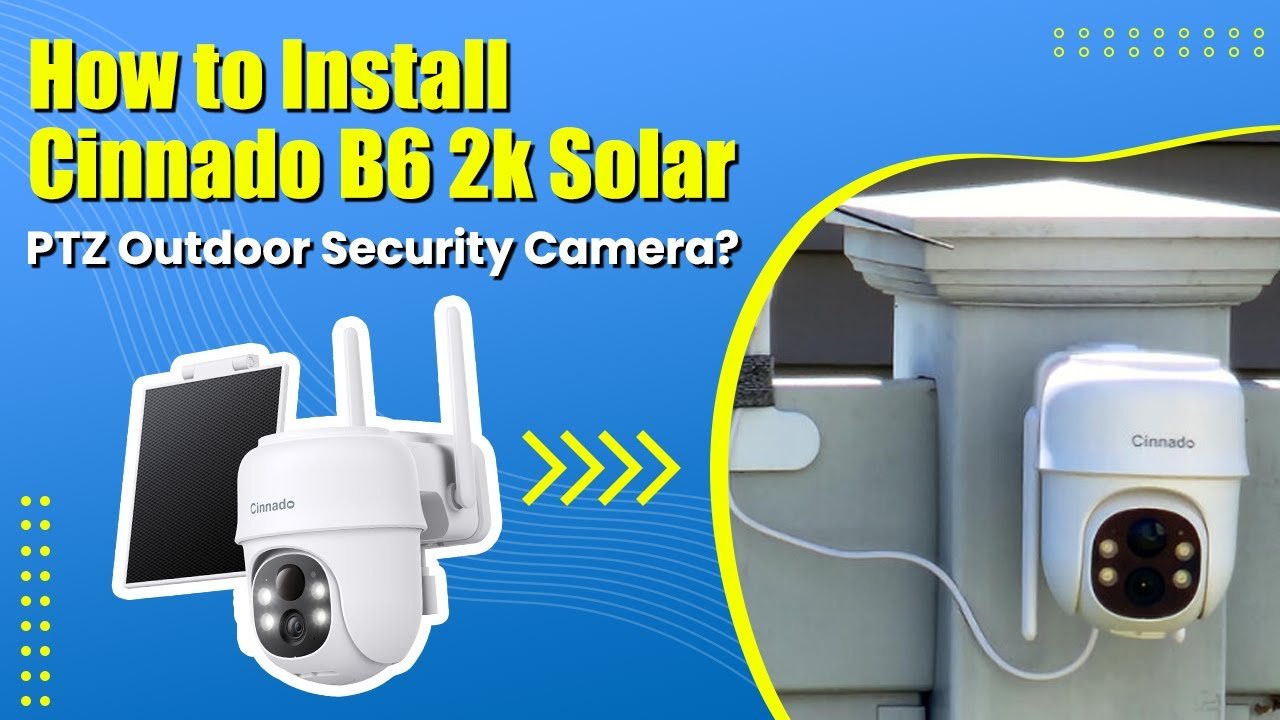
Image source: YouTube / Cinnado (YouTube thumbnail, fair-use with source credit)
Eufy SoloCam S40 (Black)
This is Eufy’s all-in-one design. The camera body is a dark gray-black, and the solar panel wraps across the top. It records 2K video with night vision.
The key selling point is that no subscription is required; it stores footage locally on a microSD card inside the camera. The panel is 2.5W, so it works best in open, sunny locations.
Reolink Argus 3 Pro (Black with Separate Panel)
The Argus 3 Pro comes in black and includes a detachable 6W solar panel. That’s a big panel, which means it can recharge even on overcast days. The camera records 2K video, has a 135° view, and supports person/vehicle detection without a subscription.
It also has a 2.4 GHz Wi-Fi radio, so make sure your router supports that band from the mounting location.
Blink Outdoor (Black) + Blink Solar Panel Mount
Blink’s Outdoor camera is available in black, and they sell a solar panel mount that attaches to it. The panel is small (1.5W) and charges slowly, but Blink cameras draw very little power because they only record when motion is detected. You need the Blink Subscription Plan to store clips, though you can use a Sync Module with a USB drive for free local storage.
Side-by-Side Comparison: Specs, Price, and Real-World Performance
| Model | Video Resolution | Panel (Watts) | Panel Type | Subscription Required? | Typical Price (camera + panel) |
|---|---|---|---|---|---|
| Ring Stick Up Cam Solar | 1080p | 2.2W | Built-in | Yes (Ring Protect) | $170 |
| Arlo Pro 4 Solar | 2K HDR | 4W | Magnetic add-on | Optional (Arlo Secure) | $230 |
| Eufy SoloCam S40 | 2K | 2.5W | Built-in | No | $150 |
| Reolink Argus 3 Pro | 2K | 6W | Detachable cable | No | $160 |
| Blink Outdoor + Solar | 1080p | 1.5W | Mount attachment | Optional (Blink Plan) | $130 |
Key takeaway: If you want to avoid monthly fees, go with Eufy or Reolink. If you need the best charging in low light, the Reolink’s 6W panel is the clear winner. Blink is the cheapest but has the smallest panel and the most limited recording without a subscription.
Detached Panel vs. All-in-One Design – Which Works Better for You?
This is the biggest decision point because it affects where you can mount the camera and how reliable the charging will be.
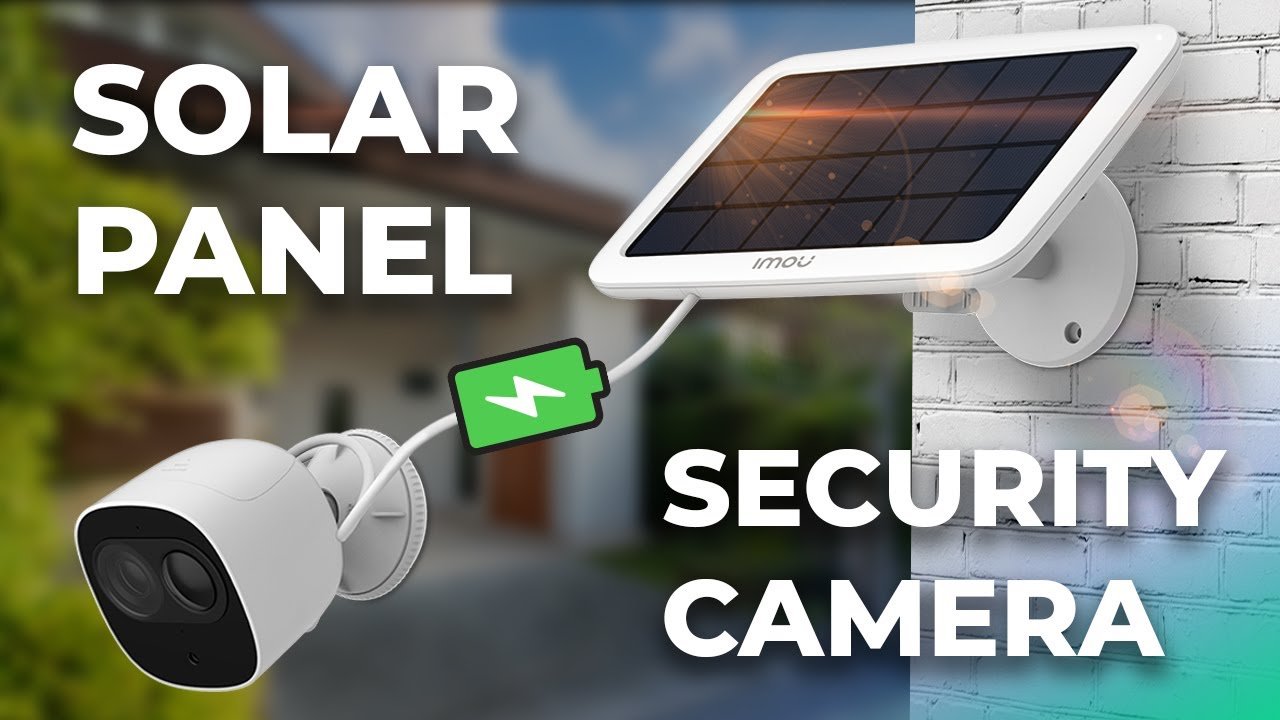
Image source: YouTube / Pipl Systems (YouTube thumbnail, fair-use with source credit)
All-in-one designs (like Ring Stick Up Cam Solar and Eufy SoloCam S40) are simpler to install. You screw one bracket into the wall, attach the camera, and you’re done. The panel is always facing the same direction as the camera lens.
That works great if the camera faces south (northern hemisphere) in an open area. But if you need the camera to face north, the panel gets very little sun. In that case, you might end up with a dead battery after a few cloudy days.
Separate panel designs (Reolink Argus 3 Pro, Blink with add-on panel) give you flexibility. You can mount the camera where you need the view and then run the cable to a sunnier spot on the roof, fence, or wall. The cable is usually 10 to 15 feet long, which allows a decent separation.
The trade-off is that you have to mount two items instead of one, and the cable needs to be secured so it doesn’t flap in the wind or get chewed by squirrels.
Which is better for you?
- Choose an all-in-one if: your mounting spot gets at least 4 hours of direct sun per day, you want the simplest install, and you don’t mind a slightly lower charging speed.
- Choose a separate panel if: your ideal camera location is shaded, you have a large sun-exposed area nearby, or you want the fastest possible recharge.
One more thing: all-in-one cameras are generally sleeker. The black units from Eufy and Ring look like a small speaker perched on the wall. Separate panels add a visible cable, which some people find ugly.
If aesthetics matter, test your camera’s sun exposure before buying; you might be able to angle an all-in-one camera enough to catch early morning light. If not, go with the separate panel and hide the cable along a gutter downspout.
That covers the first five sections of the article. The next part will continue with the side-by-side table already included above, then dive into real-world performance metrics, pros and cons, common mistakes, pro tips, subscription details, FAQs, and the final recommendation. But that’s for the next segment.
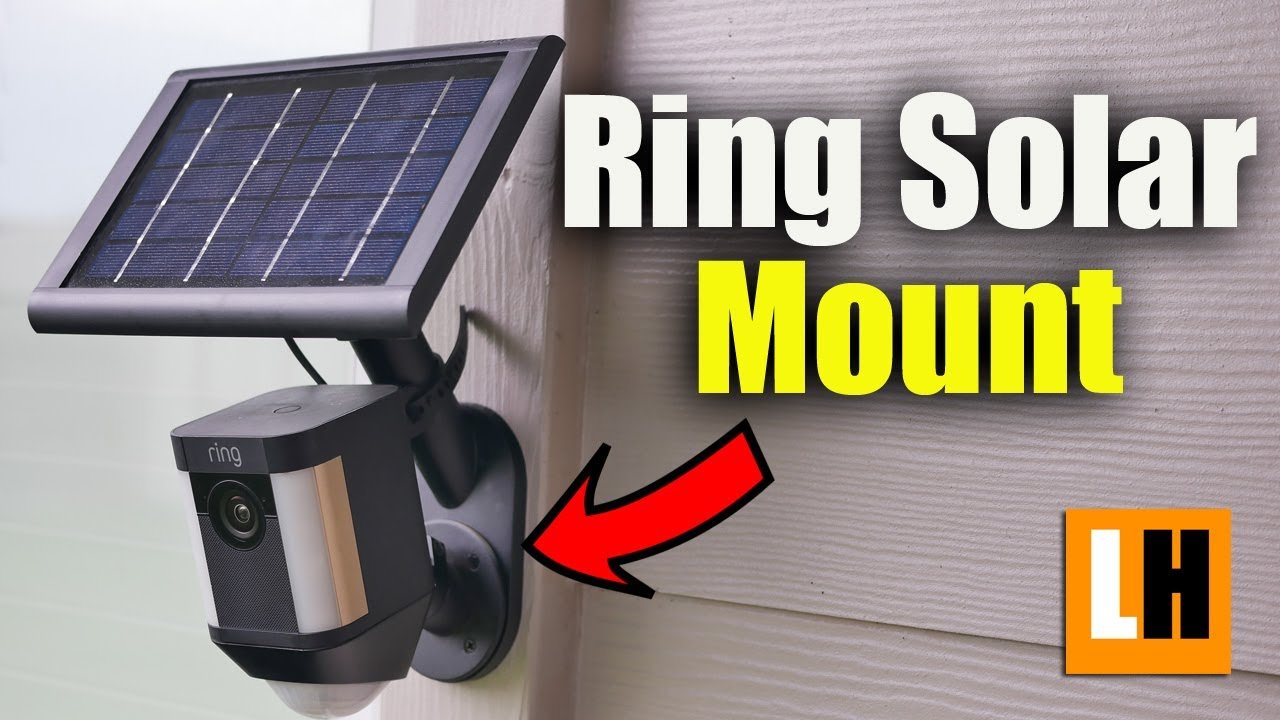
Image source: YouTube / LifeHackster (YouTube thumbnail (fair-use with source credit))
Image source: YouTube / Herd 360 (YouTube thumbnail (fair-use with source credit))
Image source: YouTube / KeoPuals (YouTube thumbnail (fair-use with source credit))